Latest vs Old Rummy APK: Which Version Should You Install?
A phone can run a rummy app perfectly for months and then struggle after…


Last updated: 29 August 2026
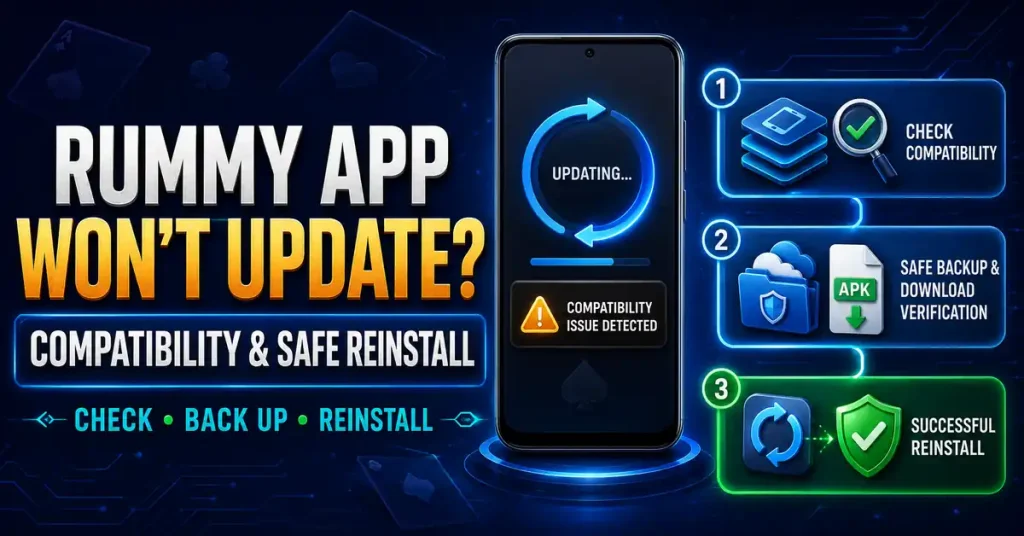
A failed update should be solved as a compatibility and identity problem, not as a hunt for a “better winning version.” Record what is installed, check the source and use the fake-app checklist when an update file looks different from the expected product.
If you need to compare apps after resolving the issue, browse the all rummy apps guide and choose by rules, account clarity and safety rather than by urgency.
Do not replace a failed update with a random mirror. The risk of installing the wrong package is more important than updating quickly.
Updates need working room to unpack files. Free storage, restart the phone and try again.
Confirm account recovery and save transaction references before removing the app.
Downgrading can reintroduce bugs or lose current service support. Use an older build only for a clear compatibility reason.
Record the current version in Android App Info. This tells you whether the offered APK is actually newer.
A newer release may need a newer Android version. If the phone does not meet the requirement, repeated installs will not fix it.
If Android says the package conflicts with the installed app, verify the source and package identity before uninstalling anything.
Check the lobby, account, wallet and support. A technical fix is only complete when the app still matches the expected product.
Provide Android version, current app version and exact error. Avoid private contacts offering a modified “working” APK.
A newer build can fix compatibility or account issues, but it does not improve card odds. Keep the technical goal clear before you start troubleshooting.
A current build is valuable only when its source and device compatibility are clear. Do not treat a larger version number on an unfamiliar site as proof that the file is the right update.
A version problem can consume time and attention. Finish the technical task first, then decide whether you still want to play.
Even a genuine update can move buttons or table information. Use a low-pressure orientation before joining a paid game.
Gameplay principles can stay useful while menu paths change. Separate rules of rummy from instructions that depended on the old screen layout.
Older builds can lose service support. Try the verified current route first and downgrade only for a clear compatibility reason.
If the update took longer than planned, shorten or cancel the gaming session. Technical frustration can reduce patience and decision quality.
Once a verified build works, avoid repeatedly switching versions to chase performance or promotional claims. Stability is useful for learning the interface.
If the current build still works and the service does not require a change, waiting can be better than experimenting with an uncertain APK.
Check the lobby, rules and account screens before entering a paid table. Interface changes can create mistakes even when the update is genuine.
Rummy principles can stay useful while button positions change. Relearn the interface instead of assuming the old navigation still applies.
If troubleshooting consumed the time you planned to play, shorten the session. Technical delay is not a reason to rush or chase.
This guide is for adults aged 18+ where real-money gaming is allowed. Keep technical or account problems separate from spending decisions, and do not chase losses while trying to resolve them.
Record the installed version, confirm the verified update source, then check Android compatibility, storage and the exact installer error.
No. Use an older build only when there is a clear compatibility reason and the old package can still be verified and supported.
It can indicate that the offered APK does not share the same package identity or signature as the installed app, so the source should be checked before continuing.
Relearn any changed controls, verify the account and wallet, and reset your session plan if troubleshooting consumed time or attention.
 Latest Version Updates
A phone can run a rummy app perfectly for months and then struggle after…
This Teen Patti Comfun Card Online guide focuses on product identity and safer installation.…
This Teen Patti Star guide focuses on update and compatibility checks. The tracked build…